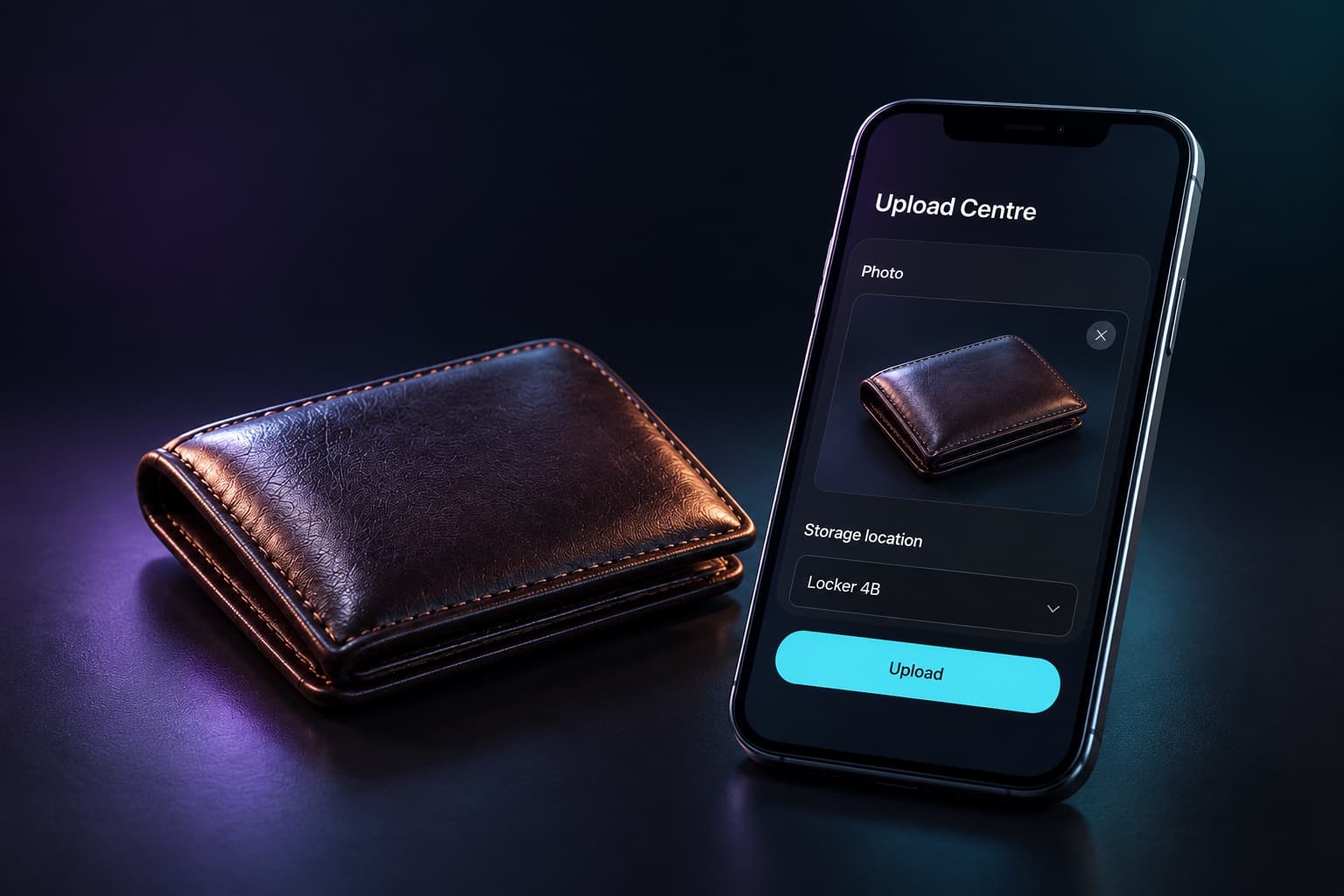
01 / Found item
Photograph and log the find
Add photos, a storage location and any useful details from a phone. Image descriptions help identify the item. In a weak-signal area, uploads wait in the offline queue until they can sync.
From the floor to the front desk
Photos, storage locations, guest enquiries and collection status stay together. The next shift starts with the same record, not another spreadsheet.
The lost-property workflow
A find and an enquiry may arrive hours apart. Keep both sides of the conversation in the same place.
01 / Found item
Add photos, a storage location and any useful details from a phone. Image descriptions help identify the item. In a weak-signal area, uploads wait in the offline queue until they can sync.
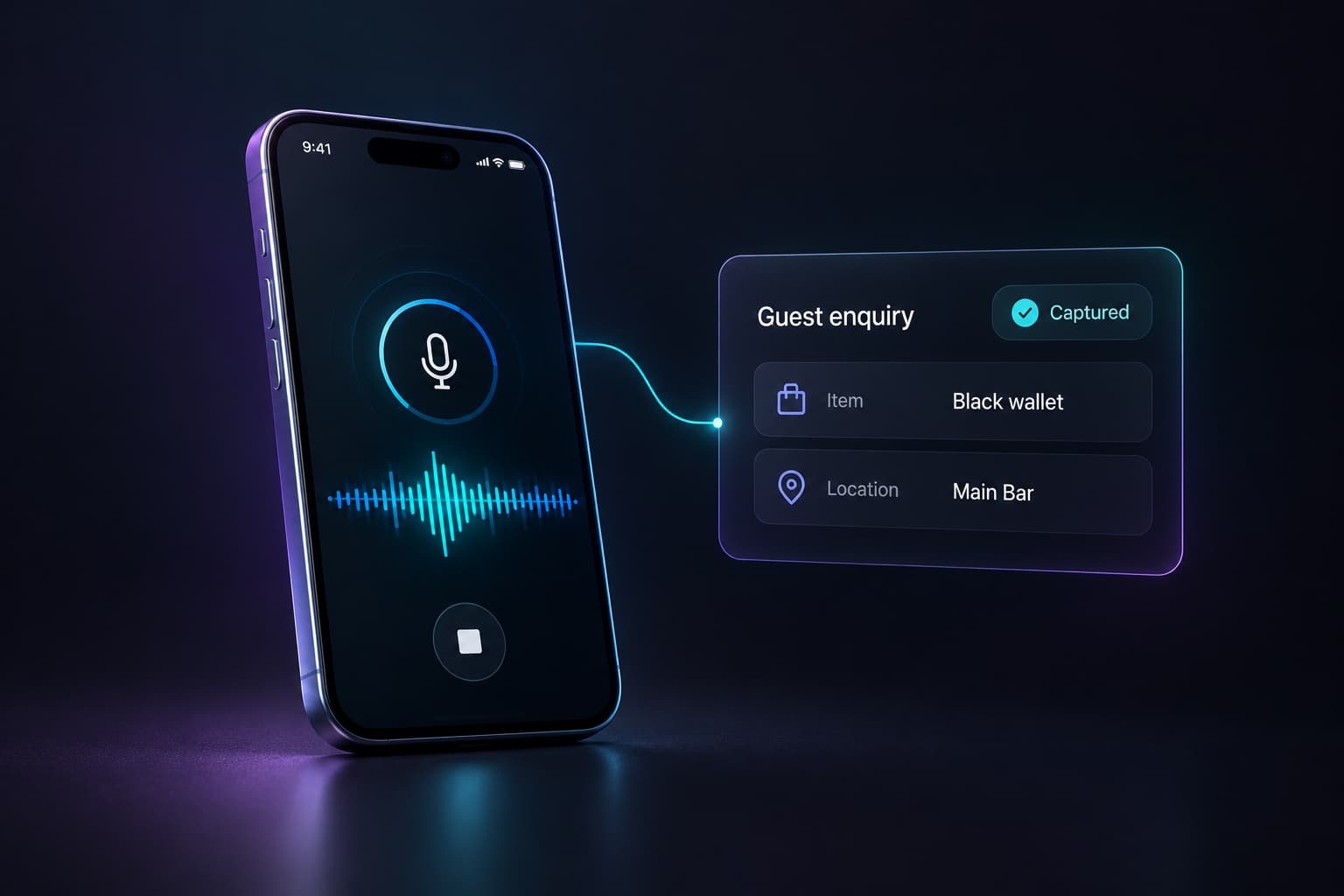
02 / Guest enquiry
Keep the guest’s description and contact details alongside your inventory. Staff can review enquiries without rebuilding the history from voicemail and handwritten notes.
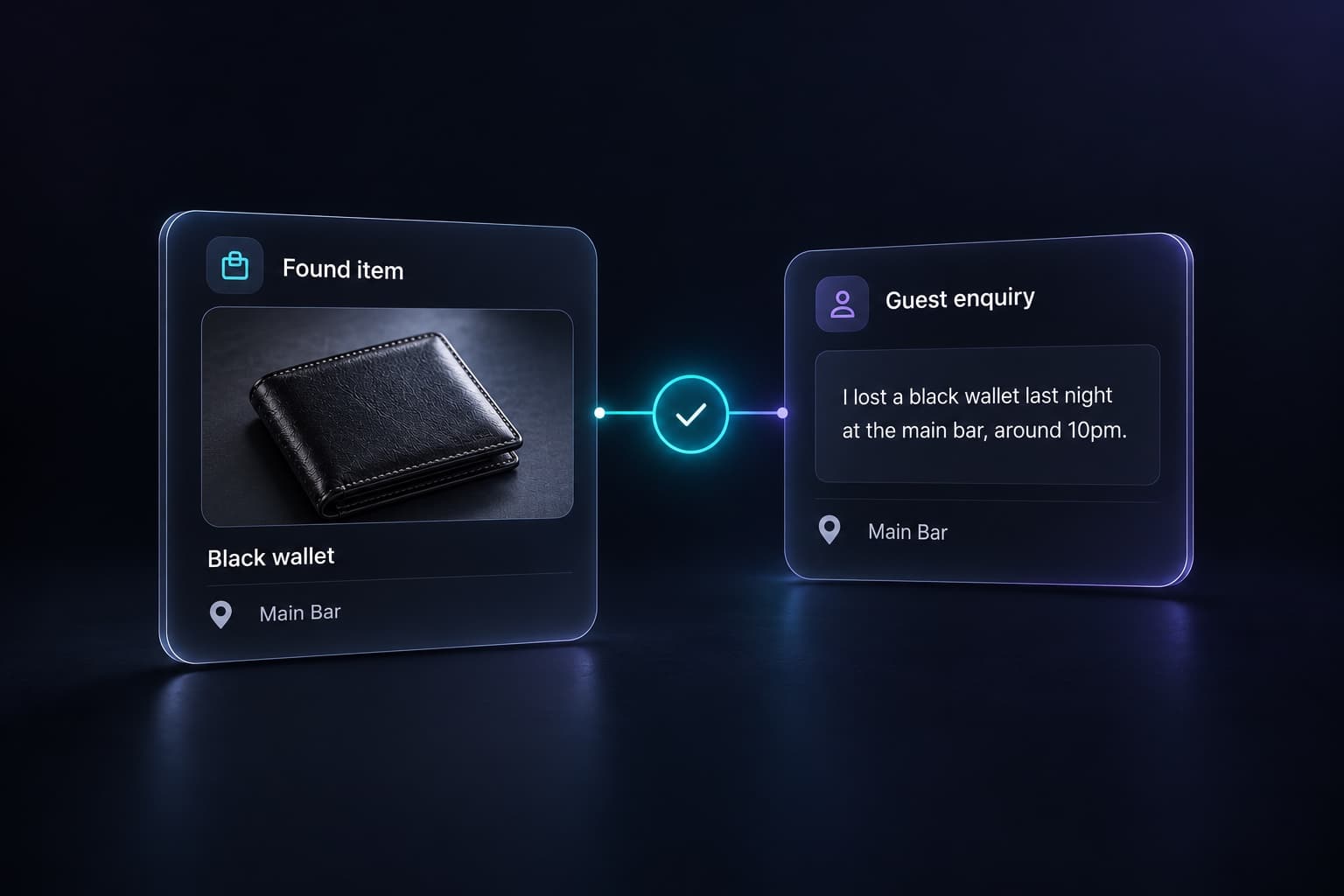
03 / Potential match
An unresolved enquiry can be checked again when a new item is logged. A potential match links the enquiry to the item for review.
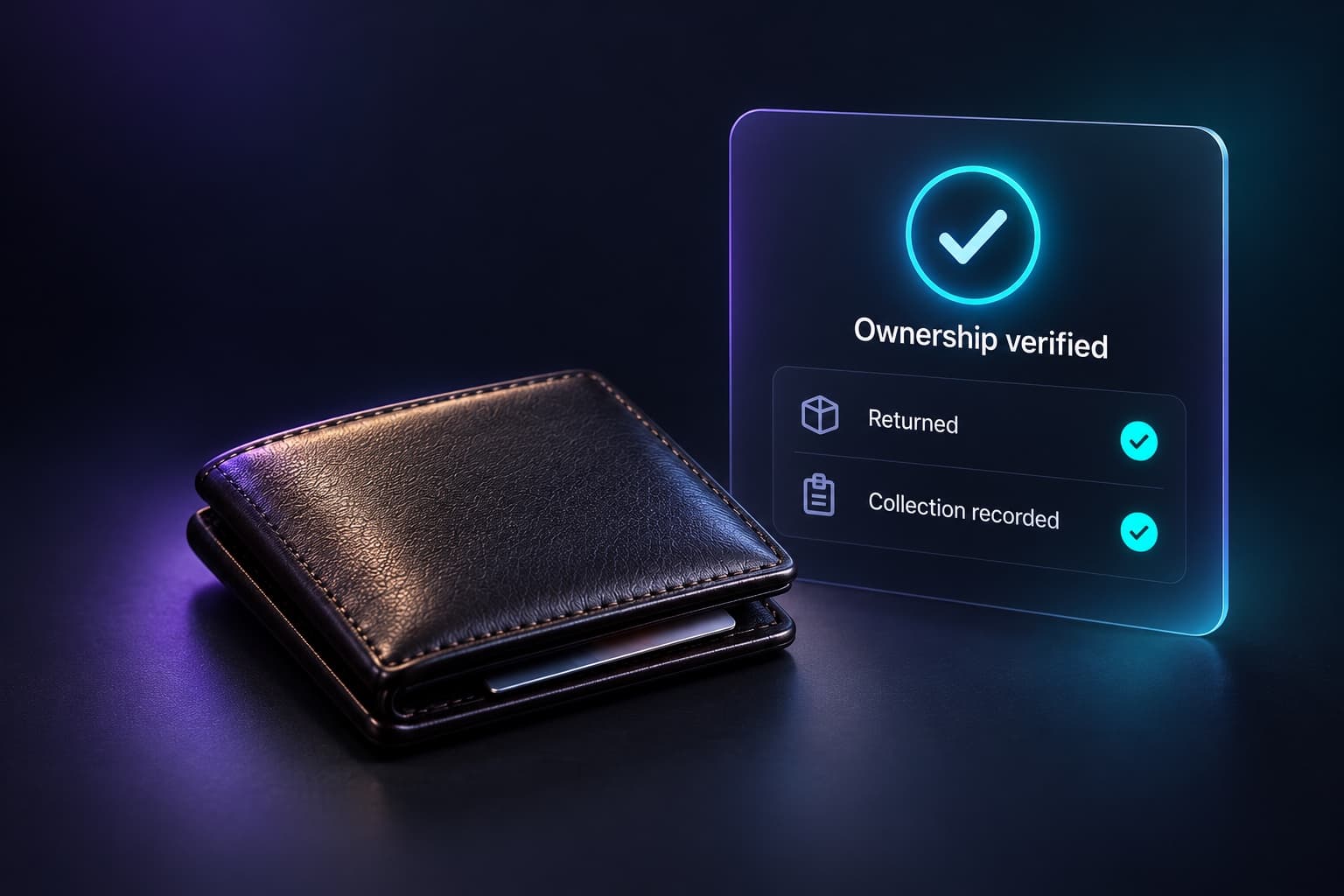
04 / Verified collection
The guest receives collection information. Staff check identifying details before releasing the item and record the completed collection. A suggested match does not establish ownership.
Across every shift
One record gives security, front-of-house and managers a common starting point.
Search descriptions or claim codes and see where the item is stored, who logged it and its current status.
Review open enquiries, items awaiting verification and recent activity. Staff can pick up a claim without starting again.
Card and ID records use limited identifying details. Uploaded images are screened for sensitive information, and staff remain responsible for checking ownership.
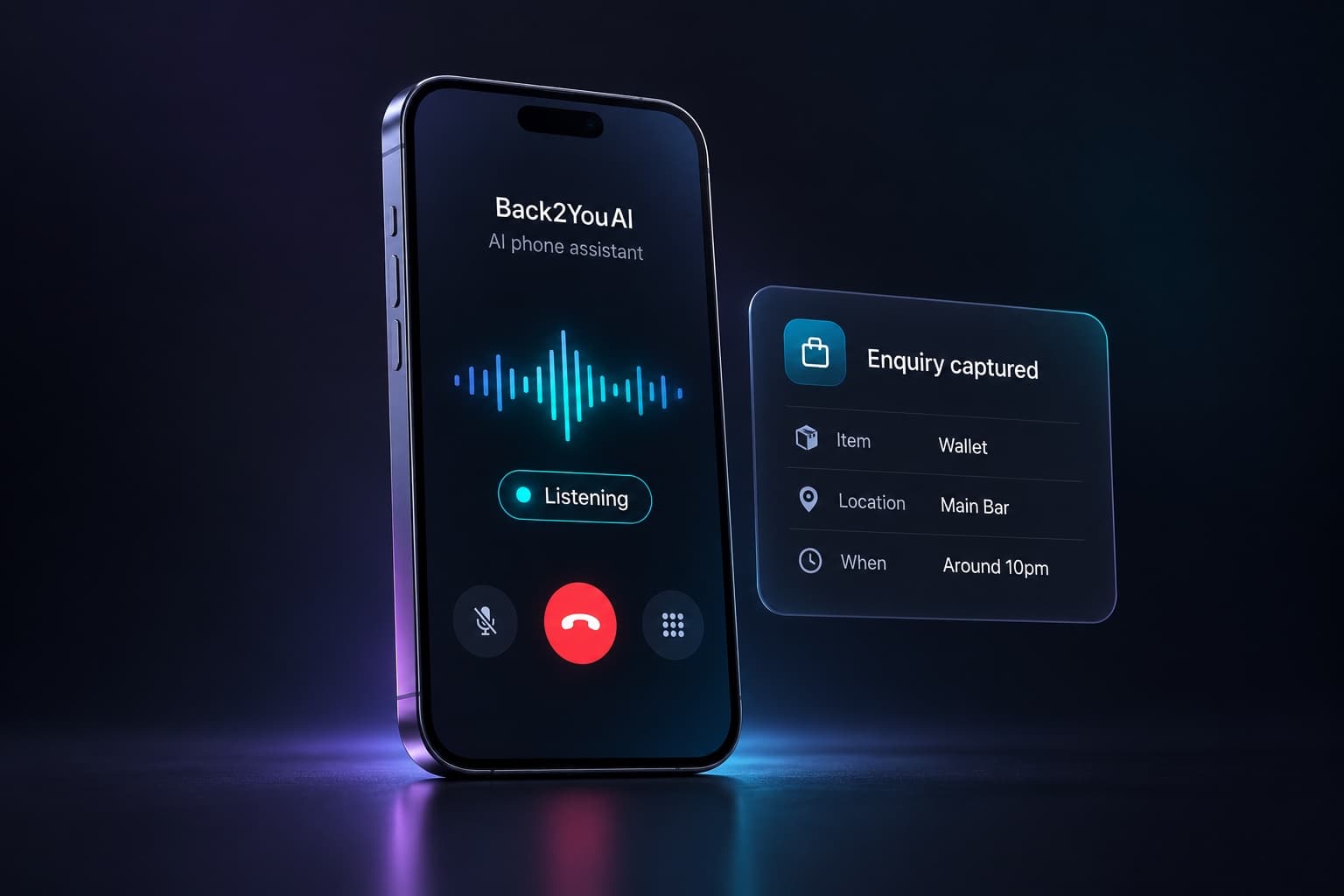
AI phone assistance
Routine calls can become structured enquiries, with the caller’s item details and contact information ready for review. Background matching keeps checking as new items arrive. Staff still verify ownership before release.
“I left a brown wallet near the bar. Can you let me know if it’s handed in?”Meet our communications partner
Guides & ideas
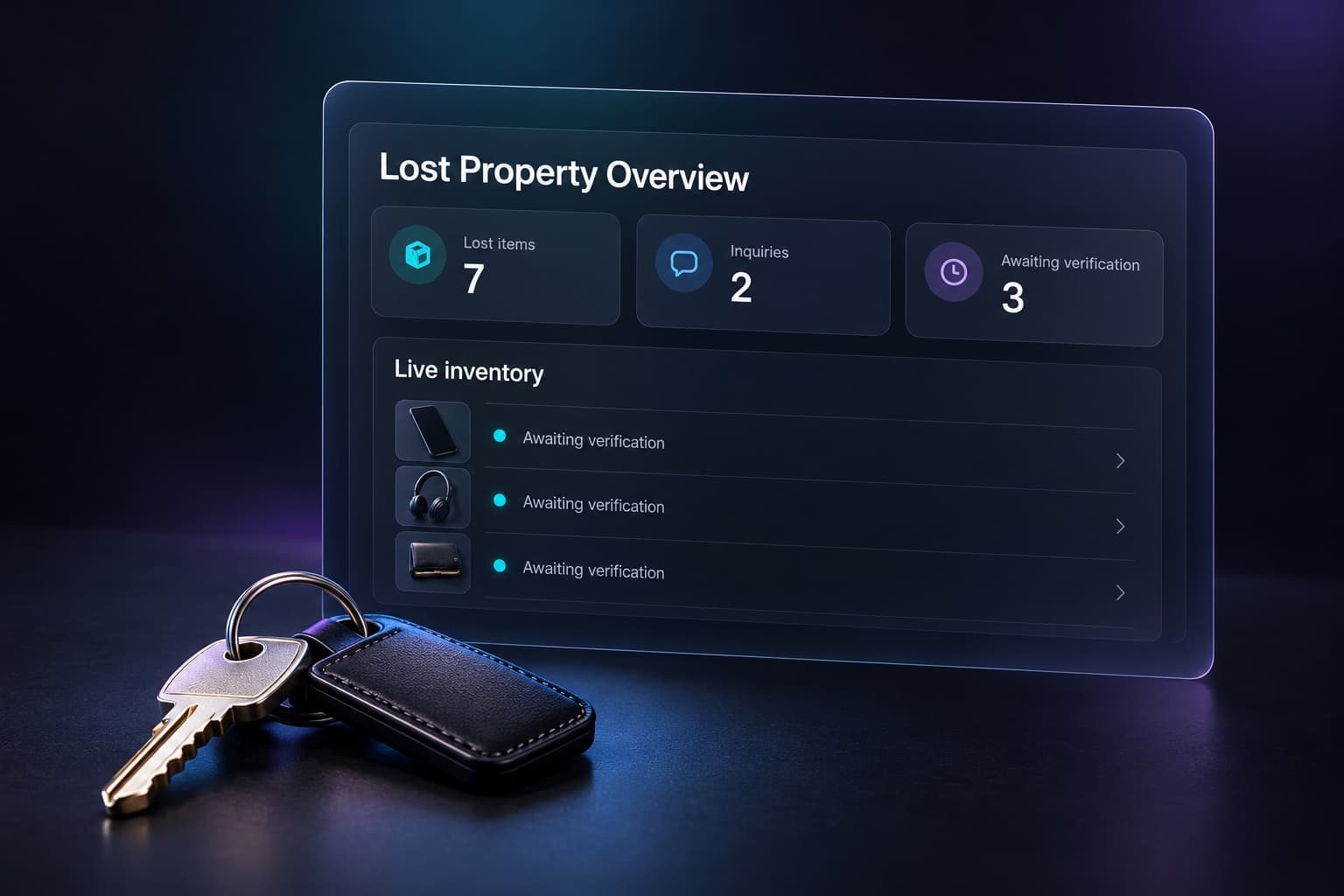
Operational guide
A practical guide for hospitality operators who want to reduce lost property chaos, speed up guest responses, and build a repeatable lost-property workflow.
Read guideCompany news
How Back2YouAI and Voiso are bringing lost-property operations and modern customer communications closer together for venue teams.
Read storyOperational guide
Learn how venues can reduce repetitive lost property phone calls by centralising enquiries, automating updates, and using AI-assisted workflows.
Read guideOperational guide
Build a venue-ready lost property policy covering intake, storage, verification, communication, and collection with support from AI-powered software.
Read guidePartnerships
Voiso provides contact-centre technology. Back2YouAI focuses on item intake, enquiries, matching and verified return. Our partnership brings those areas of expertise together.
Card and ID handling, images and guest information are covered in our privacy policy. Discuss staff access and your venue’s process in the demo.
Request a free demo to learn how Back2YouAI helps teams process more claims with less admin, fewer phone calls, and better guest experiences.